
Creating professional brand elements, including a logo, used to require hiring designers, waiting weeks for revisions, and spending a significant budget before actually reaching the results. Today, modern AI-powered branding platforms allow businesses to generate logos and full brand assets in minutes.
However, not all logo makers offer the same level of quality, customization, or branding tools. Some focus only on logo generation, while others provide a complete ecosystem for building and scaling a brand.
In this article, we’ll review three strong platforms:
- Design.com
- BrandCrowd
- Wix Logo Maker
Each offers logo creation, but they differ in branding depth, AI tools, and overall value.
What to Look for in a Logo & Branding Platform
Before choosing a platform, consider these key factors:
- Design Quality: Are logos modern, scalable, and professionally built?
- Customization: Can you edit fonts, layouts, icons, and colors freely?
- Commercial Safety: Are logos safe for business use?
- File Formats: Are vector formats like SVG and EPS included?
- Branding Tools: Does the platform offer business cards, social media templates, websites, and more?
- Ease of Use: Can beginners create professional results quickly?
3 Best Logo and Branding Solutions
Now that we have established what to look for, let’s go one step further and explore three of the best logo and branding solutions in the market today.
Design.com
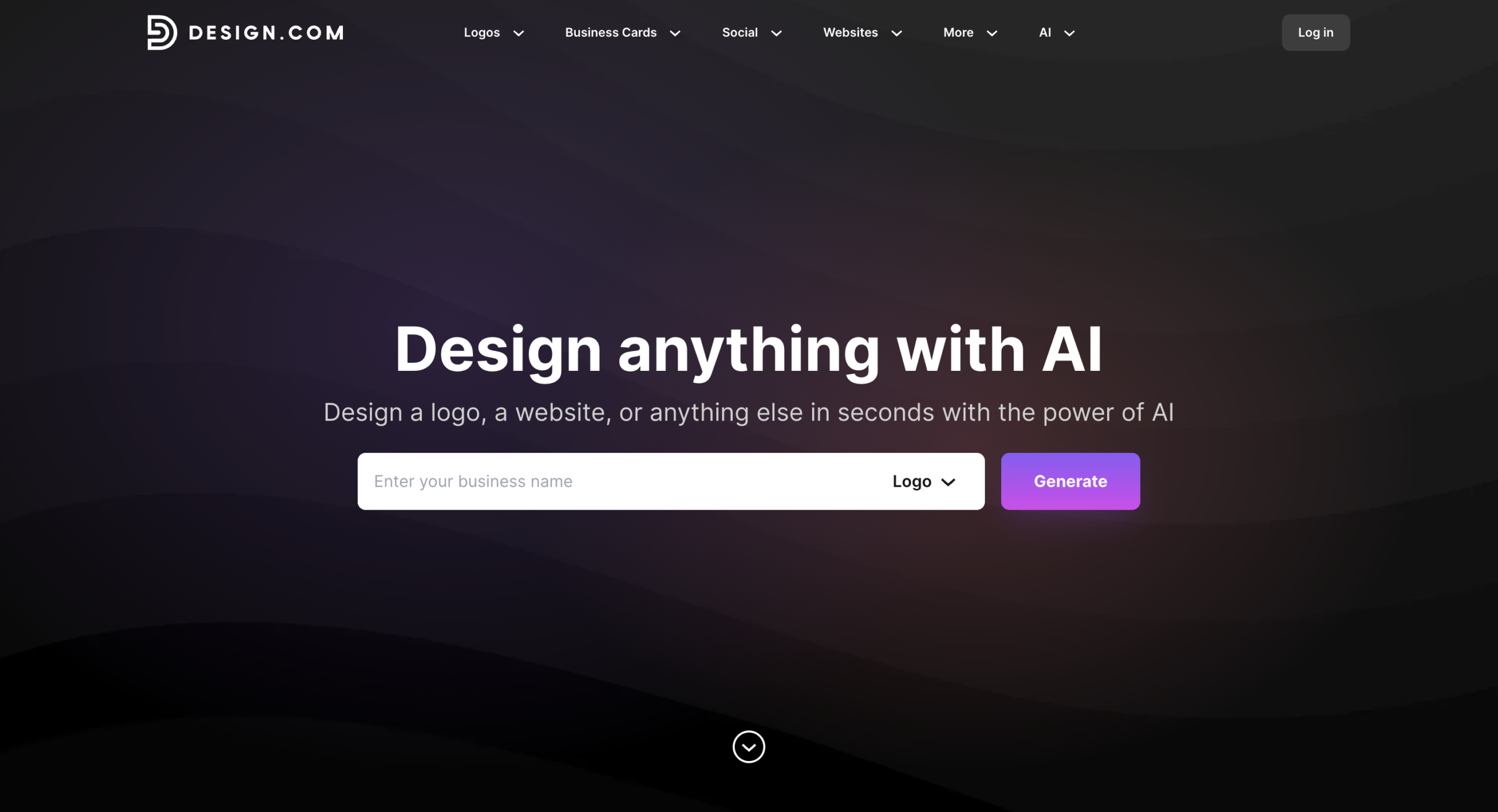
Design.com positions itself as a full branding ecosystem, not just a logo maker. It combines AI-driven logo generation with a large design library and dozens of branding tools.
Logo Library & Design Quality
Design.com provides access to:
- 400,000+ logo templates
- Over 1 million total design templates across the platform
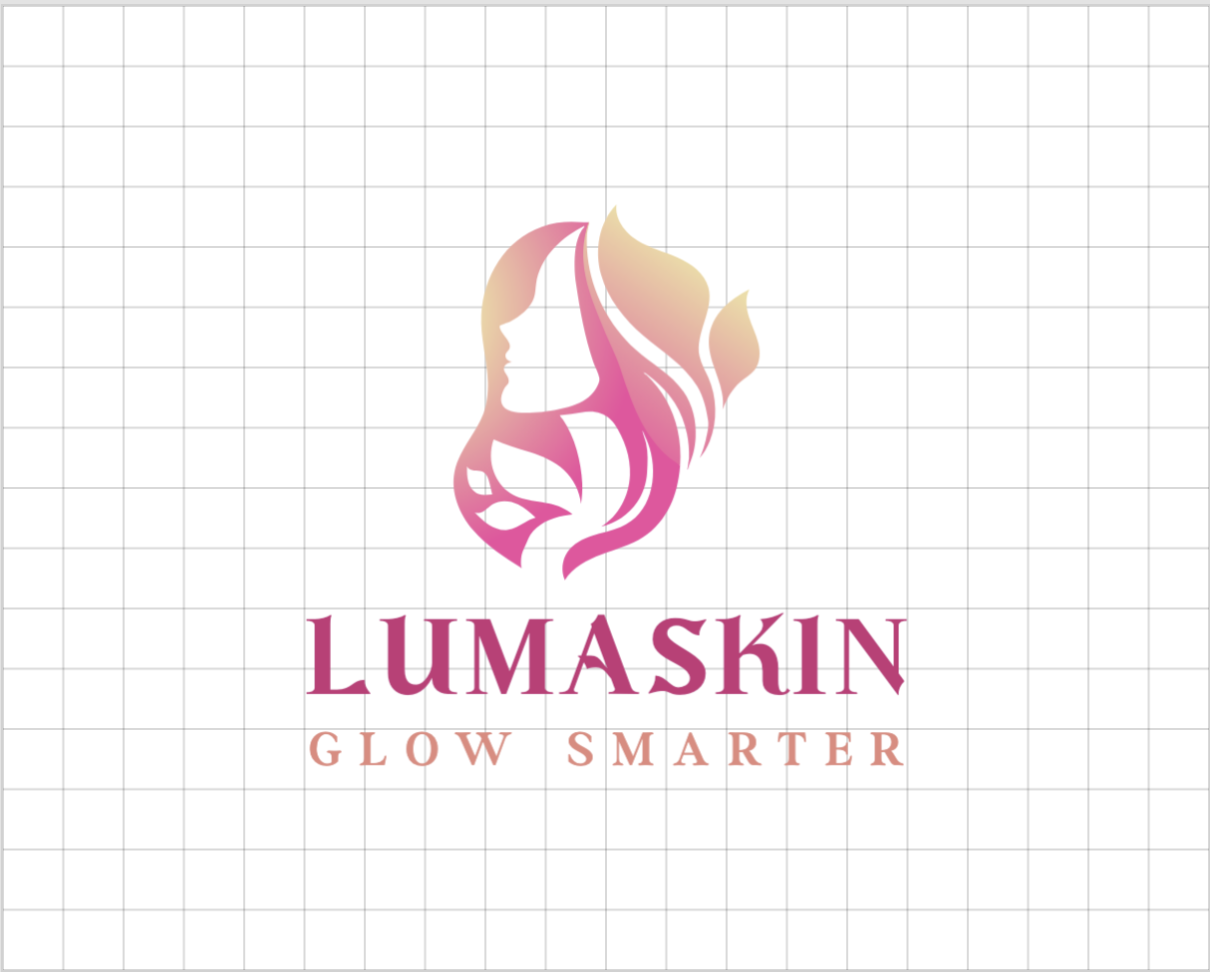
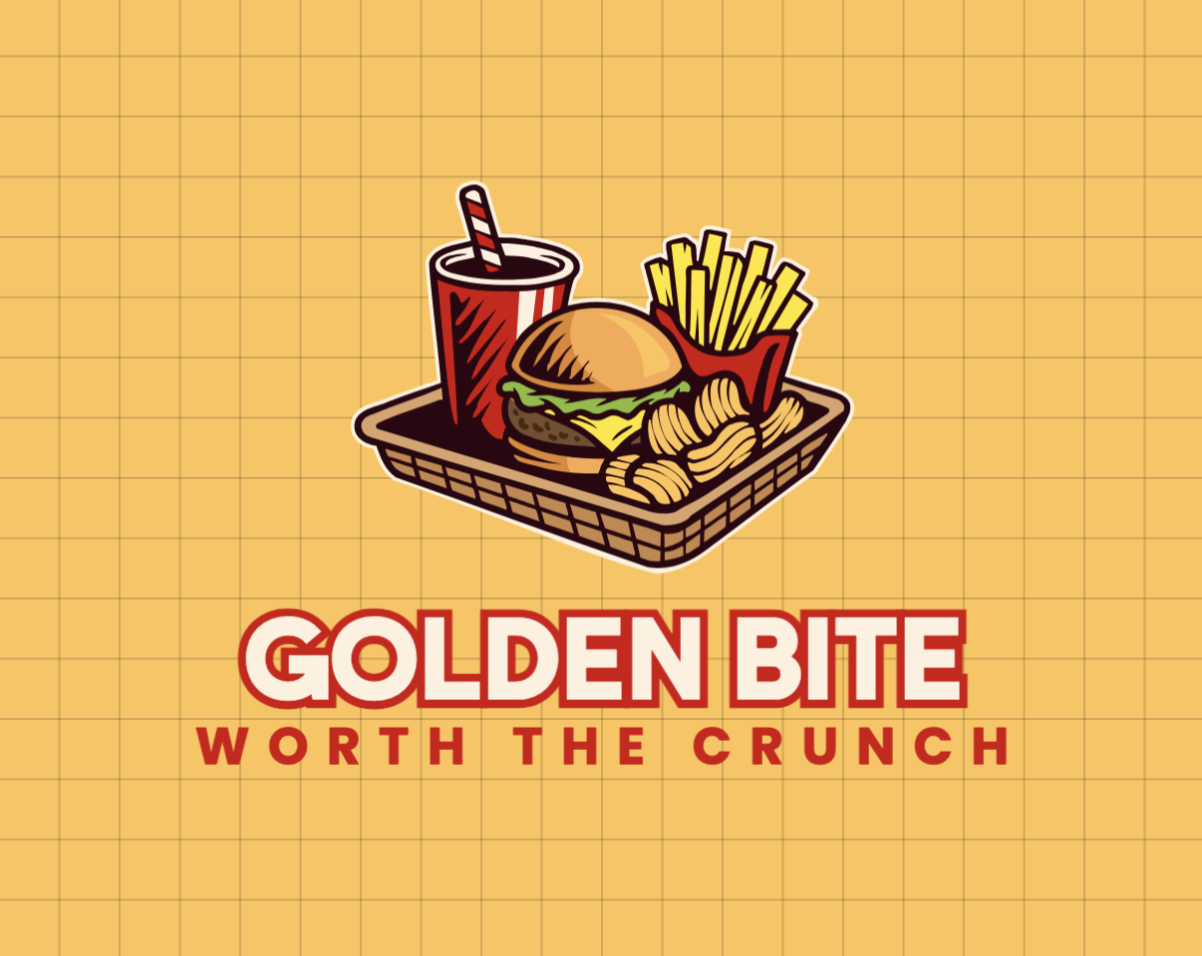
All logos are created by professional designers and are exclusive to the platform. The library covers nearly every industry and style. Here are some examples of logos created via Design.com:
The platform also includes:
- 750+ fonts
- 525+ exclusive fonts
- 62,000+ custom vector shapes
This large asset base gives users strong creative flexibility.
AI Tools & Editing
Design.com includes:
- AI logo generator
- AI logo editing (icon + text editing via chat interface)
- AI business name generator
- AI website builder
- AI flyer, poster, and presentation tools
The logo editor allows unlimited edits, including:
- Layout changes
- Font adjustments
- Gradient colors
- Curved text
- Icon modifications
Editing is browser-based and beginner-friendly.
Branding Ecosystem
Where Design.com stands out is in its extended branding system. It offers:
- Business cards
- Social media graphics
- Digital business cards
- Websites
- QR codes
- Presentations
- Flyers & posters
- Email signatures
Templates automatically inherit logo colors, helping maintain brand consistency.
Licensing & Files
Design.com provides:
- PNG & JPG
- SVG, EPS & PDF (vector formats)
- Transparent background versions
- Icon-only files
- Animated files (GIF & MP4)
All logos include a commercial license, and extended licenses allow exclusive removal of certain templates from the library.
Free Options
Design.com offers a selection of free logos that include vector files and 100% safe commercial usage rights. Users also gain access to additional design tools, though downloading designs created with those tools requires a premium plan.
It currently holds a 4.7 Trustpilot rating with 3K+ reviews.
BrandCrowd
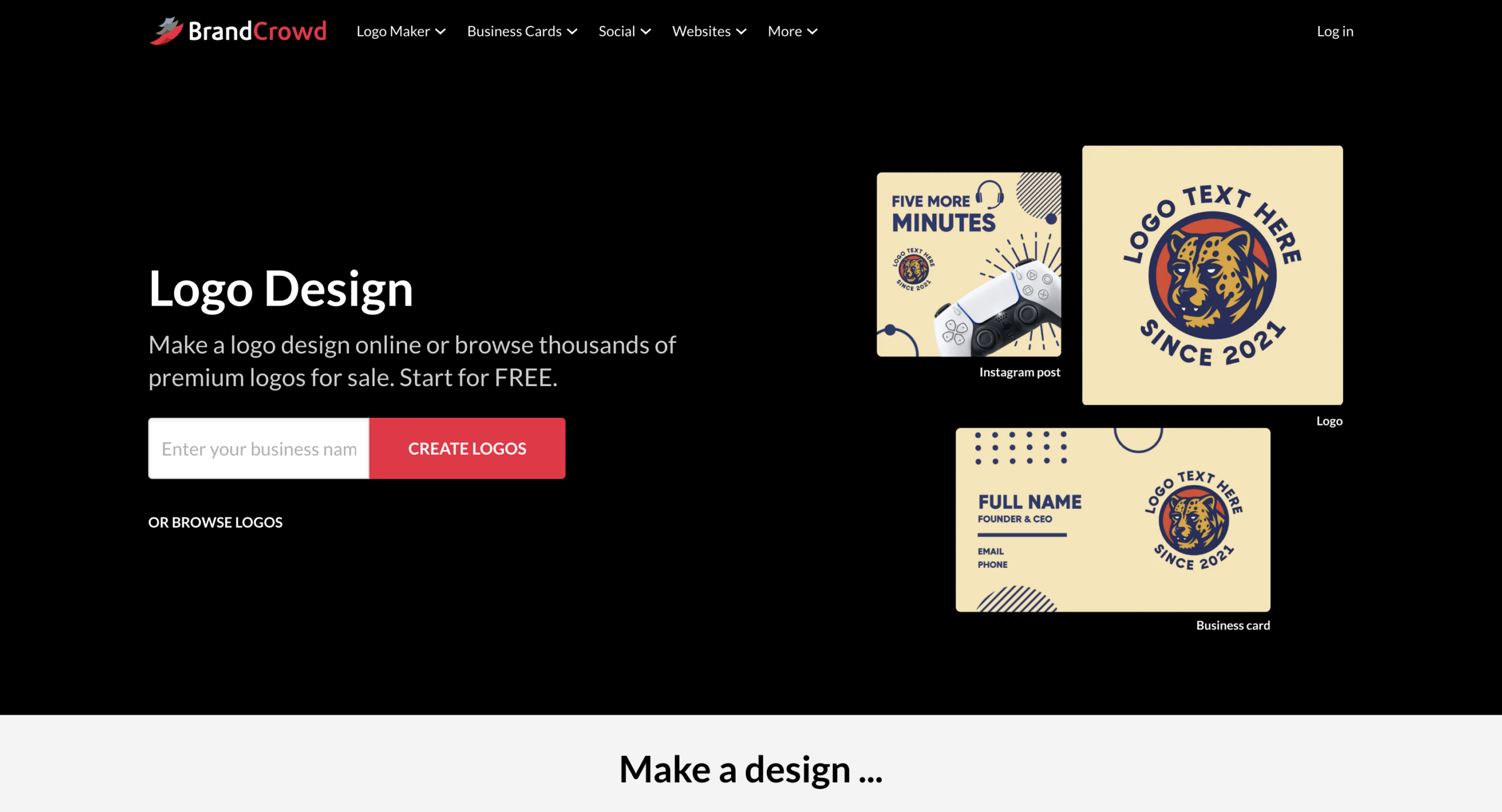
BrandCrowd is another large-scale logo and branding platform that focuses heavily on AI-powered creation and template variety.
Logo Library & Quality
BrandCrowd provides:
- 380,000+ logo templates
- Over 1 million total design templates
Like Design.com, logos are created by professional designers and are exclusive to the platform. Some examples from Bradcrowd:
It also offers:
- 750+ fonts
- 525+ exclusive fonts
- 62,000+ custom vector shapes
The design quality is positioned toward professional, commercial-ready results.
AI & Editing Tools
BrandCrowd includes:
- AI logo generator
- AI text editing
- AI icon editing
- AI business name generator
- AI background remover
The editing system is designed for simplicity, allowing users to modify layouts, fonts, and icons quickly.
Branding Tools
BrandCrowd provides 50+ design tools, including:
- Business cards
- Social media posts
- Digital business cards
- Websites
- QR codes
- Flyers & posters
- Presentations
Brand colors automatically sync across templates for consistent branding.
Licensing & File Formats
BrandCrowd offers:
- SVG, EPS, PDF
- PNG & JPG
- Transparent background
- Icon-only versions
- Animated files (GIF & MP4)
All logos are commercially safe and reviewed for originality. Extended licenses are also available for exclusive use.
BrandCrowd holds a 4.8 Trustpilot rating with 9K+ reviews.
Wix Logo Maker
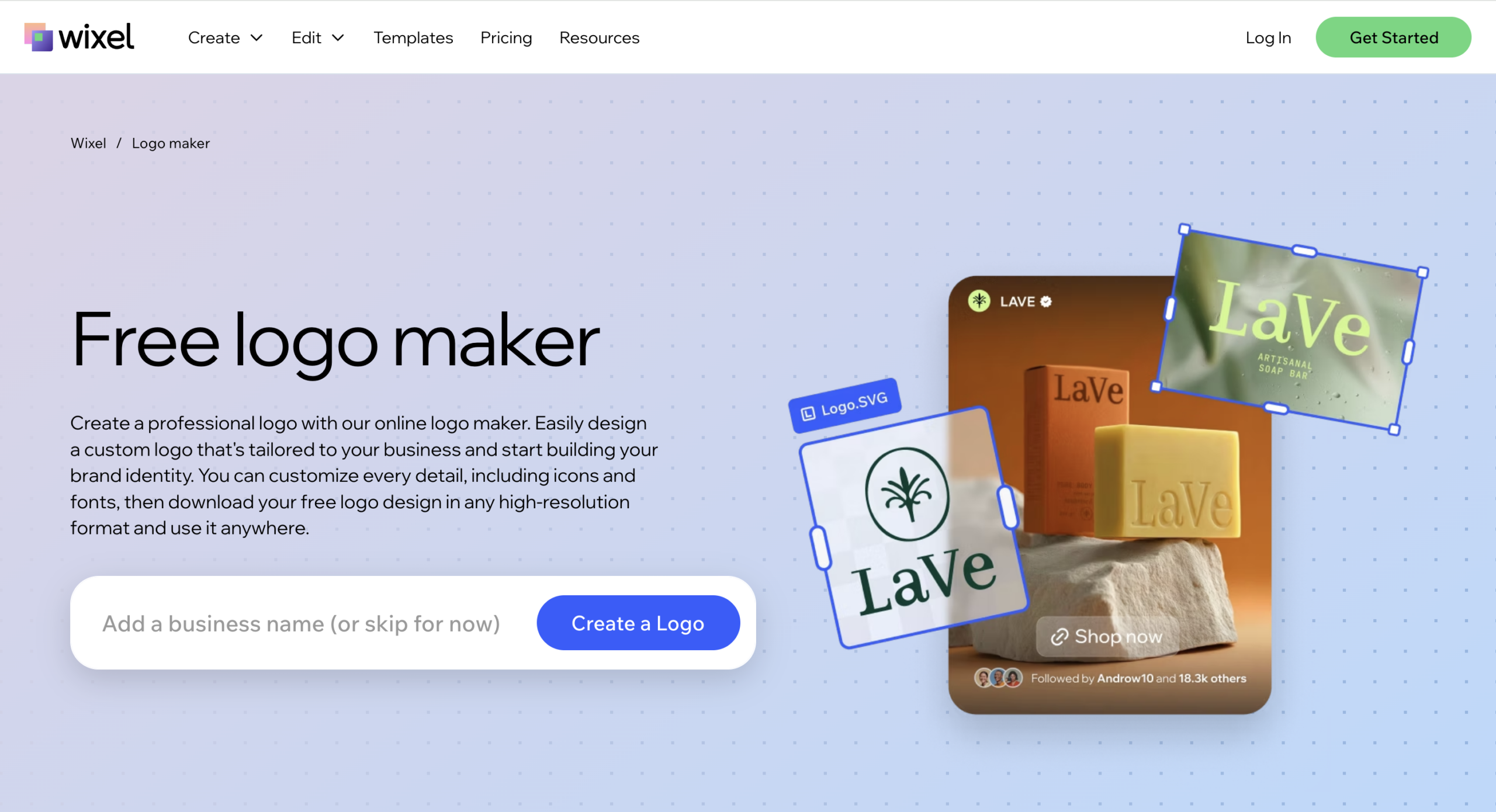
Wix Logo Maker is part of the broader Wix ecosystem and integrates closely with the Wix website builder.
AI-Driven Creation
Wix Logo Maker uses a guided questionnaire system. Users answer questions about:
- Industry
- Brand personality
- Style preferences
Based on those answers, Wix generates logo suggestions tailored to the business.
Here are some examples:
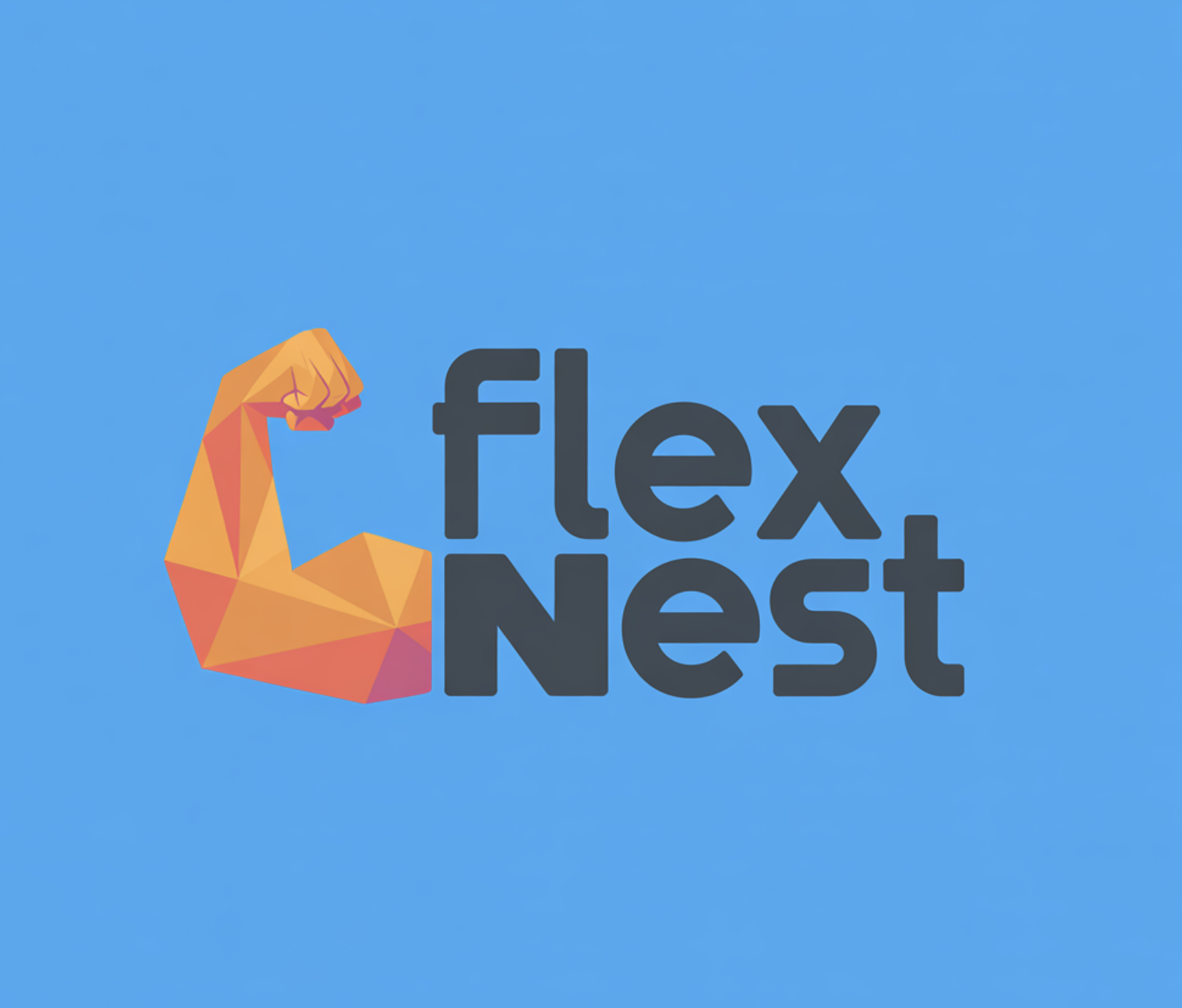
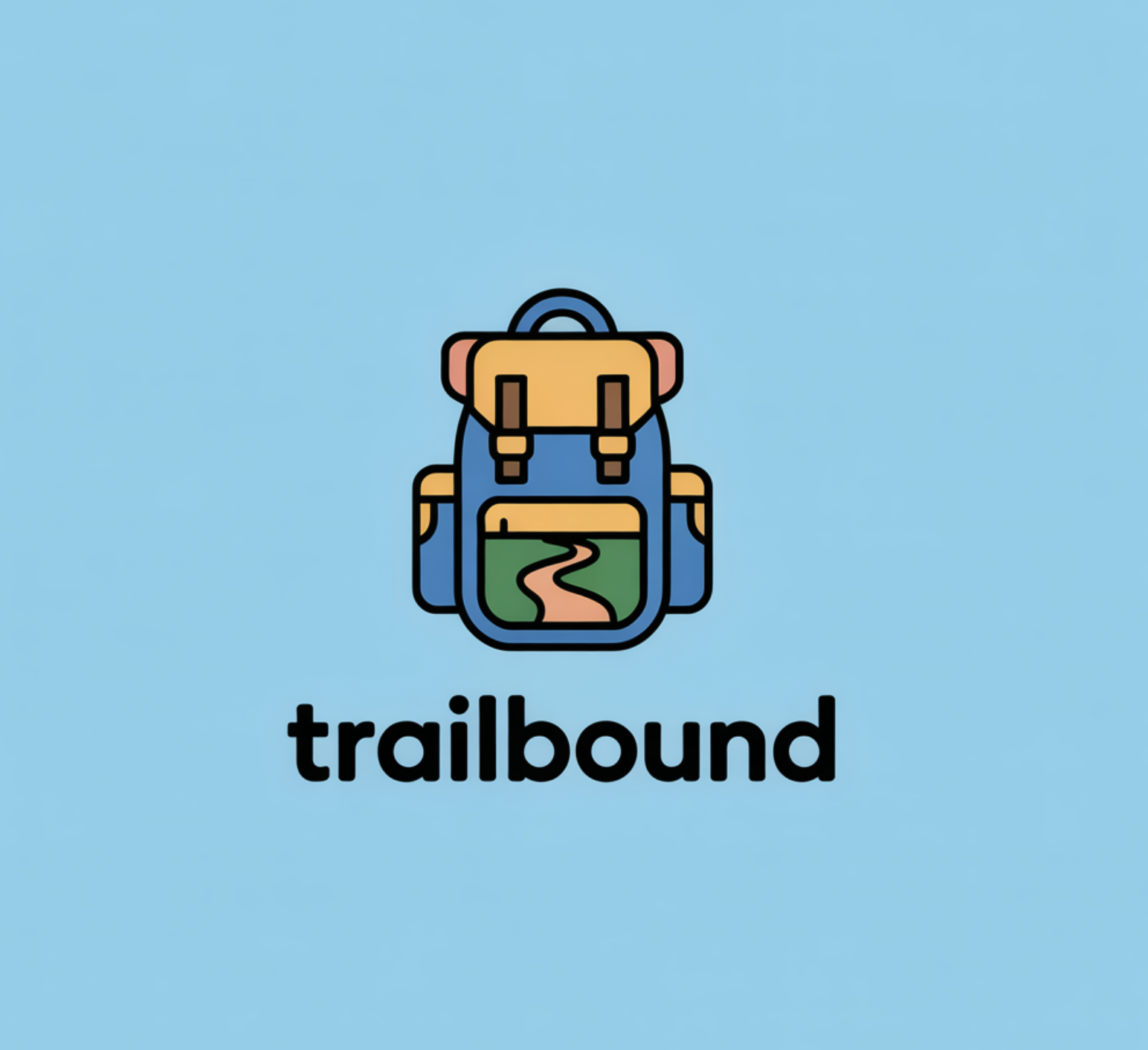
This structured process makes it beginner-friendly.
Customization
Wix provides:
- Font adjustments
- Color changes
- Icon modifications
- Layout flexibility
The editor is clean and easy to use, though slightly more structured compared to open-ended design platforms.
Integration with Websites
A major strength of Wix Logo Maker is its integration with Wix websites. Once a logo is created, it can be directly applied to:
- Wix websites
- Marketing materials
- Social graphics
This makes it especially convenient for businesses already using Wix for web hosting.
File Formats & Licensing
With paid logo plans, Wix provides:
- High-resolution PNG files
- Vector files (SVG) in higher-tier packages
Logos include commercial usage rights after purchase.
Unlike Design.com and BrandCrowd, Wix focuses more on logo + website integration rather than offering a large standalone branding template ecosystem.
Feature Comparison
| Feature | Design.com | BrandCrowd | Wix Logo Maker |
| Logo Library Size | 400K+ logos | 380K+ logos | AI-generated, not template library-focused |
| Total Design Templates | 1M+ | 1M+ | Integrated with the Wix ecosystem |
| AI Logo Generator | Yes | Yes | Yes (questionnaire-based) |
| Advanced AI Editing | Yes | Yes | Limited compared to others |
| Branding Tools | 50+ tools | 50+ tools | Primarily website-focused |
| Vector Files | Yes | Yes | Yes (higher plans) |
| Extended License | Yes | Yes | Not emphasized |
| Free Logo Options | Yes | Yes | Design free, download paid |
| Trustpilot Rating | 4.7 | 4.8 | Varies by Wix brand rating |
Conclusion
Logo and branding will remain one of the main parts of brand success for the years to come. All three platforms we discussed above can help you create a professional logo quickly.
If you want a large logo library and a full set of branding tools in one place, Design.com is a strong option. BrandCrowd offers a similar experience with a wide selection of templates and AI editing features, and Wix Logo Maker is a good fit if you’re already building your website on Wix and want everything connected.
The right choice depends on your specific branding needs and goals.